How to stream Tabletopy sounds to your online players
Better quality than Discord, low latency, stereo sound, and super easy for players - one link, and they are done (9 minutes setup).
1. Download and install VB-CABLE here (free): https://vb-audio.com/Cable/
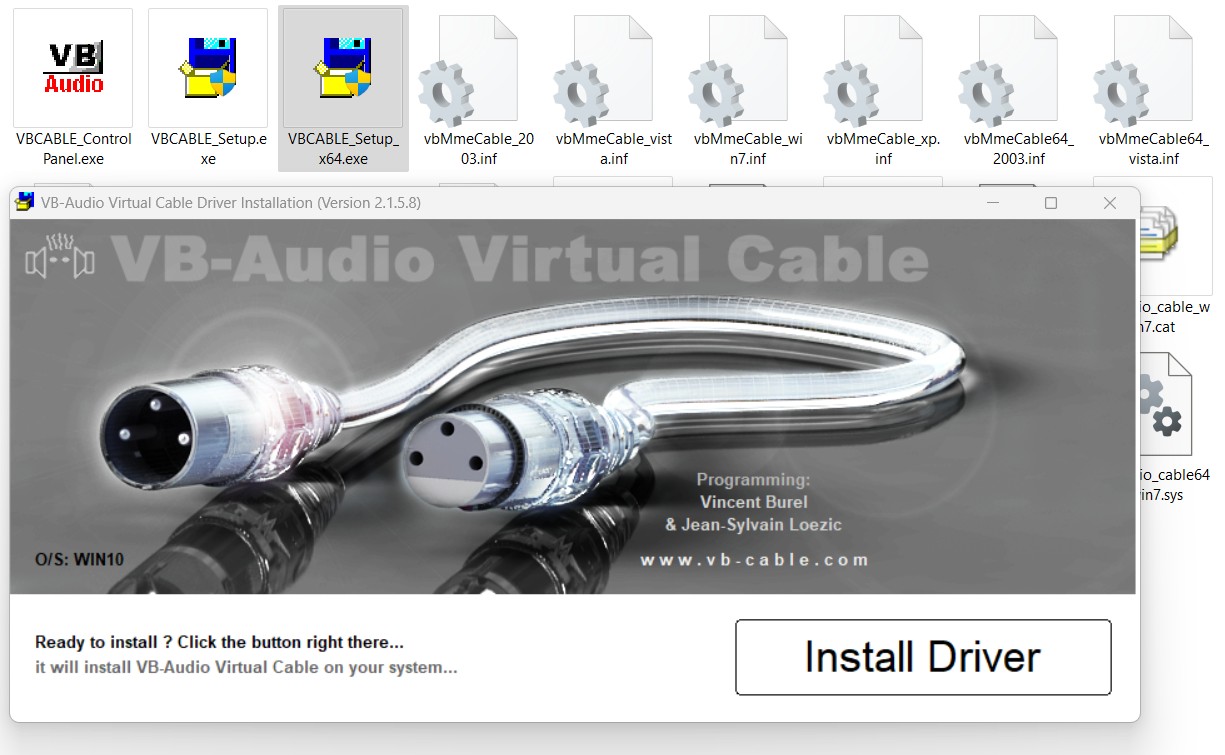
2. Launch Tabletopy
3. Using Windows search, tape "Sound mixer" to find it in your system settings.
Change Tabletopy output to CABLE Input:

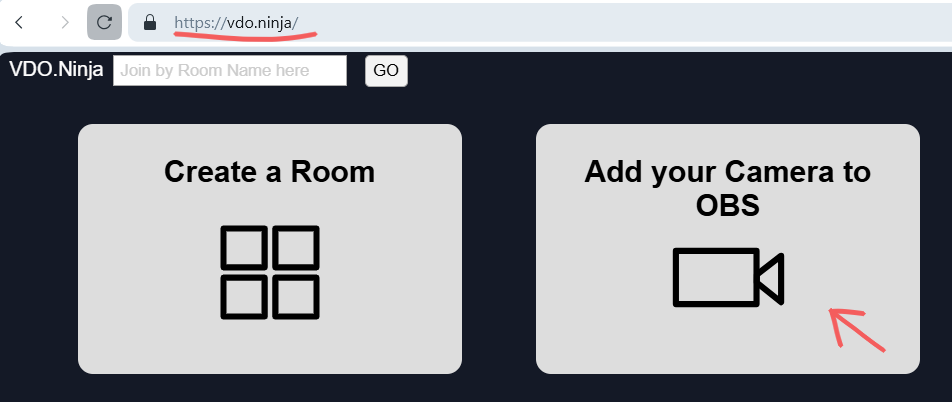
4. Visit https://vdo.ninja then add your camera like this:
- Video source (Disable)
- Audio source (CABLE Output)
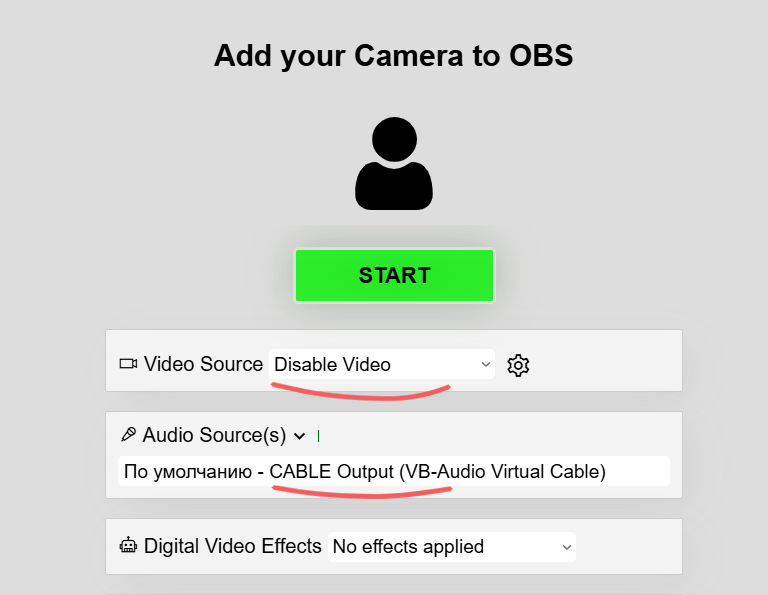
Press START, copy the link, and share it to connect your players. That's all!
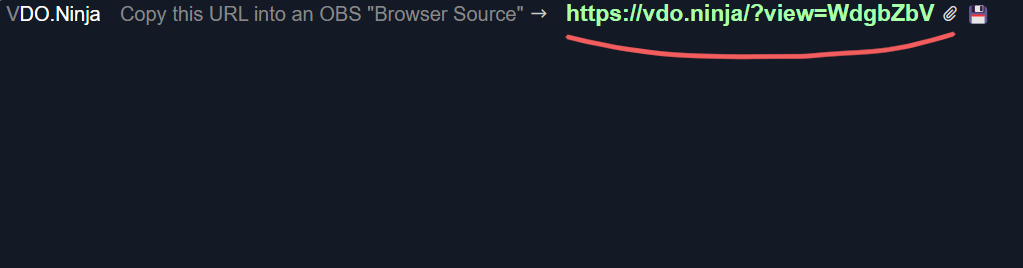
Note: You can change default audio settings to improve audio quality by adding a query string parameter to the VDO.Ninja url: &stereo=1
For example, a simple viewer URL link such as https://vdo.ninja/?view=xxxxxxx could be amended to https://vdo.ninja/?view=xxxxxxx&stereo=1, which will cause the listener to receive the publisher's stream in stereo with a higher audio bitrate (up to 256-kbps).